From PDF to signed document
in minutes
Upload any PDF, let AI place your signature fields, then send. No per-document fees. No complicated setup.
14-day free trial · No credit card required
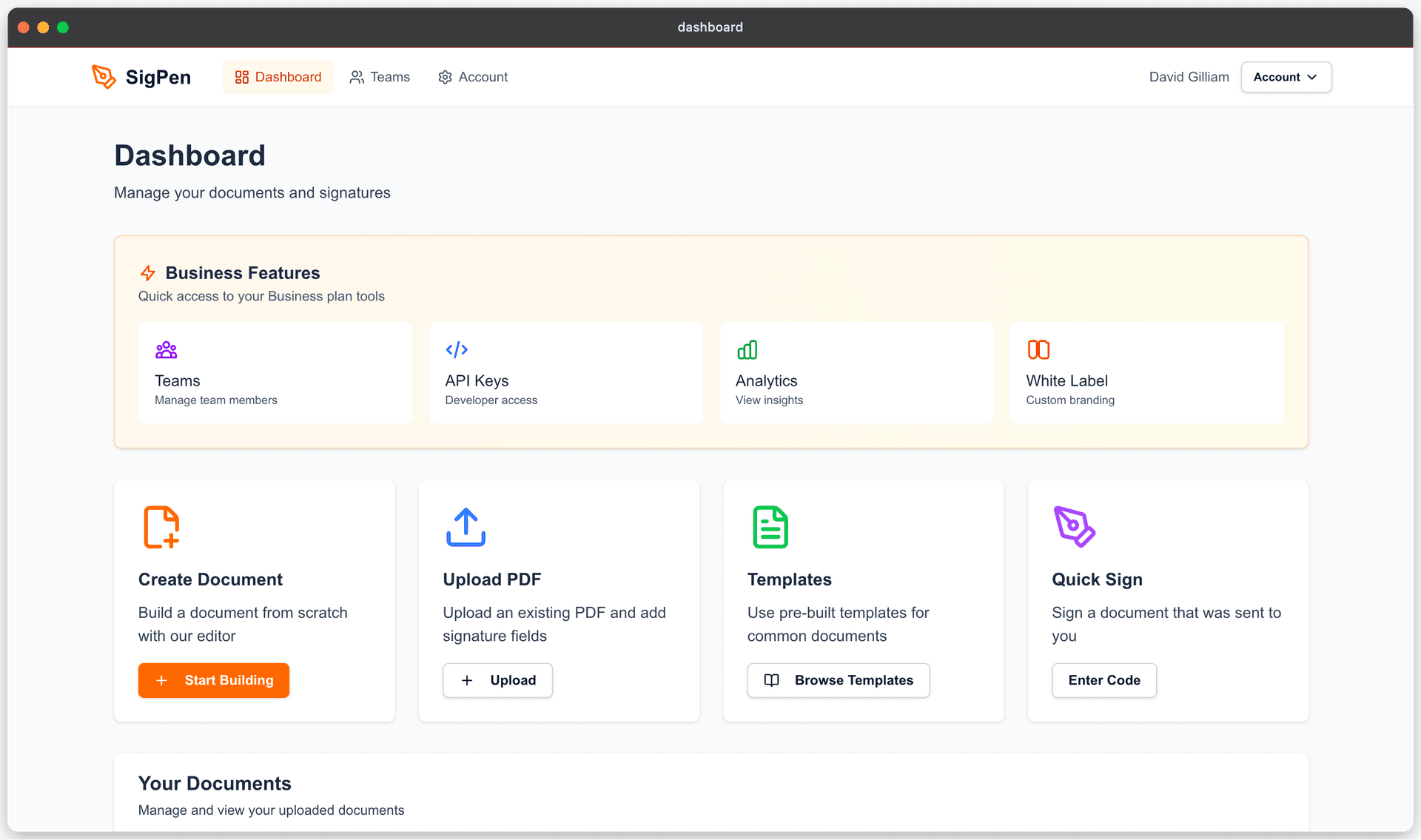
Upload your document
Drag and drop any PDF into your dashboard. Contracts, forms, agreements — anything that needs a signature. Your documents are stored securely and ready to send.
Place fields in seconds
Click AI Detect and SigPen reads your document and places signature, date, and text fields automatically. Or drag them yourself — it takes seconds either way.
Send and get it back signed
Add your signers, hit send. Each person gets an email with a private signing link. You're notified the moment they sign, and everyone gets the completed PDF automatically.
Ready to Send
IRS Form W-4 · 2026
Flat monthly pricing
From $9/month. No per-document fees, no surprises. Send as many documents as you need.
AI field detection
Drop in a PDF and AI maps out every signature, date, and text field for you automatically.
Simple API
Build signing flows into your own product with our clean REST API. Straightforward docs, fast integration.
Ready to get started?
14 days free. No credit card needed. Cancel anytime.